Project
HappyPath
My Role
Co-Founder, Head of Product & Design
Category
Startup
Year
2024-2025
Summary
Designing an AI-native in-product guidance agent
Building an adaptive, AI-native product guidance agent.
I co-founded HappyPath with classmates from CMU. The idea originated from our experience in streamlining the UX for complex B2B SaaS, which was still largely unsolved.
As the Head of Product & Design, I conducted early research, created design concepts, and prototyped the first version. We shipped the v1 product, ran a beta program and secured early design partners.
B2B SaaS tools are powerful but notoriously difficult to navigate.
Users face friction due to feature overload, divergent workflows, and generic onboarding.
Despite investments in walkthrough tools (e.g. Pendo), product tours, help centers, and redesigns, users continue to struggle with:
- Figuring out where to start
- Knowing how to reach value quickly
- Understanding what actions matter in their context
What if the product could explain itself and guide you step-by-step?
Rather than a one-size-fits-all tutorial, HappyPath delivers context-aware support, personalized workflows, and just-in-time nudges. Our goal was help users get unstuck without leaving the UI.
Demo Video
This short demo showcases HappyPath in action with Clay.com. It highlights the adaptive nature of the system and how it enhances user onboarding and productivity without relying on rigid walkthroughs or hardcoded flows.
Rapid experimentation: Build, ship, test and iterate
Problem Validation
We conducted over 80+ qualitative interviews with product managers, CS leaders, growth marketers, and designers across various industries and company sizes.
These conversations revealed a persistent pattern: despite investments in onboarding tools and redesigns, users were still getting stuck.
Key findings
- Teams were investing in onboarding tools and help docs, but users still struggled.
- Tools like Pendo and WalkMe were task-focused, not outcome-focused.
- Teams lacked visibility into whether users actually understood why they were doing something—not just how to do it.
- Maintenance was a major burden: scripted tours broke with every UI update.
Defining the Ideal Customer Profile (ICP)
Synthesizing user interviews and market analysis to define a clear Ideal Customer Profile, we looked for companies and personas where the pain was most acute. This turned out to be mid to growth stage B2B SaaS businesses with:
- High level of feature complexity
- Self-serve onboarding or freemium funnels
- High support volume during onboarding
- PLG motions with product teams that valued data-driven decisions
The ICP definition helped us prioritize features, messaging, and integration strategies from the start.
| Segment | Ideal Customer Profile (ICP) |
|---|---|
| Industry | B2B SaaS — CRM, BI & Analytics, Monitoring Tools |
| Geography | North America (35-45%), APAC (Fastest growing) |
| Revenue | Scale-ups ($1-10 million ARR) |
| Employees | 20-1000 employees (Product teams of 5-15) |
| Challenges | High TTV, low feature adoption, scaling friction |
| Value Prop | Self-serve onboarding, faster time-to-value, lower churn |
Personas
Product Manager /Product Marketer/ Growth PM
End User of SaaS products
Conceptualizing and Building
We worked with hypothesis-driven design sprints: developing mockups or lightweight prototypes to test the concept and different interaction models.
At each stage, we prioritized learning: What worked? What confused users? Where did they hesitate? These insights directly informed what we built next.
As a result, we were able to adopt a lean, iterative process that moved us from concept to real usage quickly.
Results
The initial version of HappyPath started with a bold idea: what if users could simply describe what they wanted to do, and the product would do it for them?
What we built:
- Mockups and scripted prototypes showing a user typing their goal and watching it auto-complete.
- Integration tests with LaVague to automate live UI actions.
- Chrome extension hooks to simulate embedded assistance.
MVP: Embedded in-product guidance agent
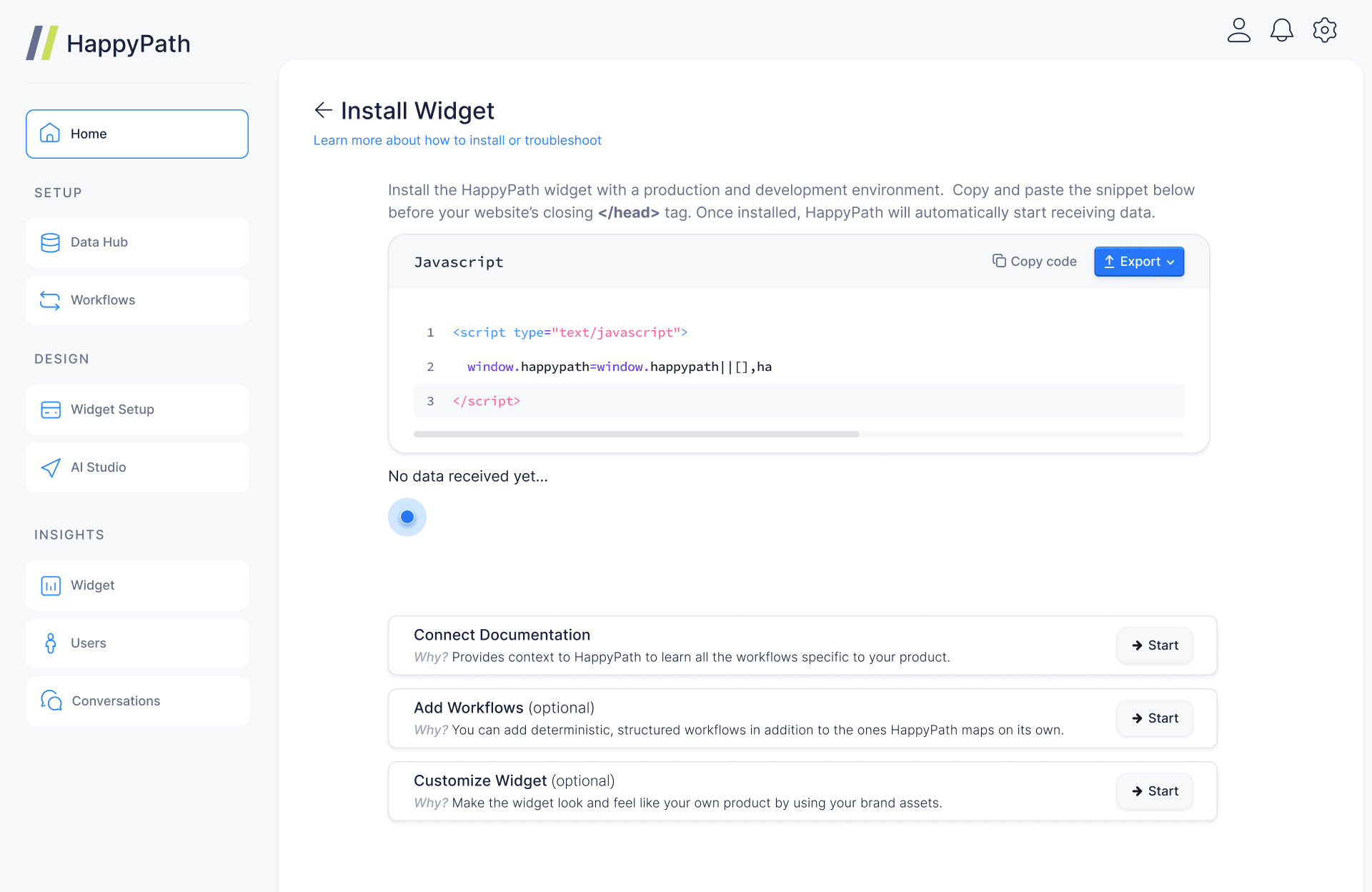
1. Widget the can be embedded into the UI by:
- Installing a piece of JS snippet
- Connecting their documentation, knowledge base, etc.
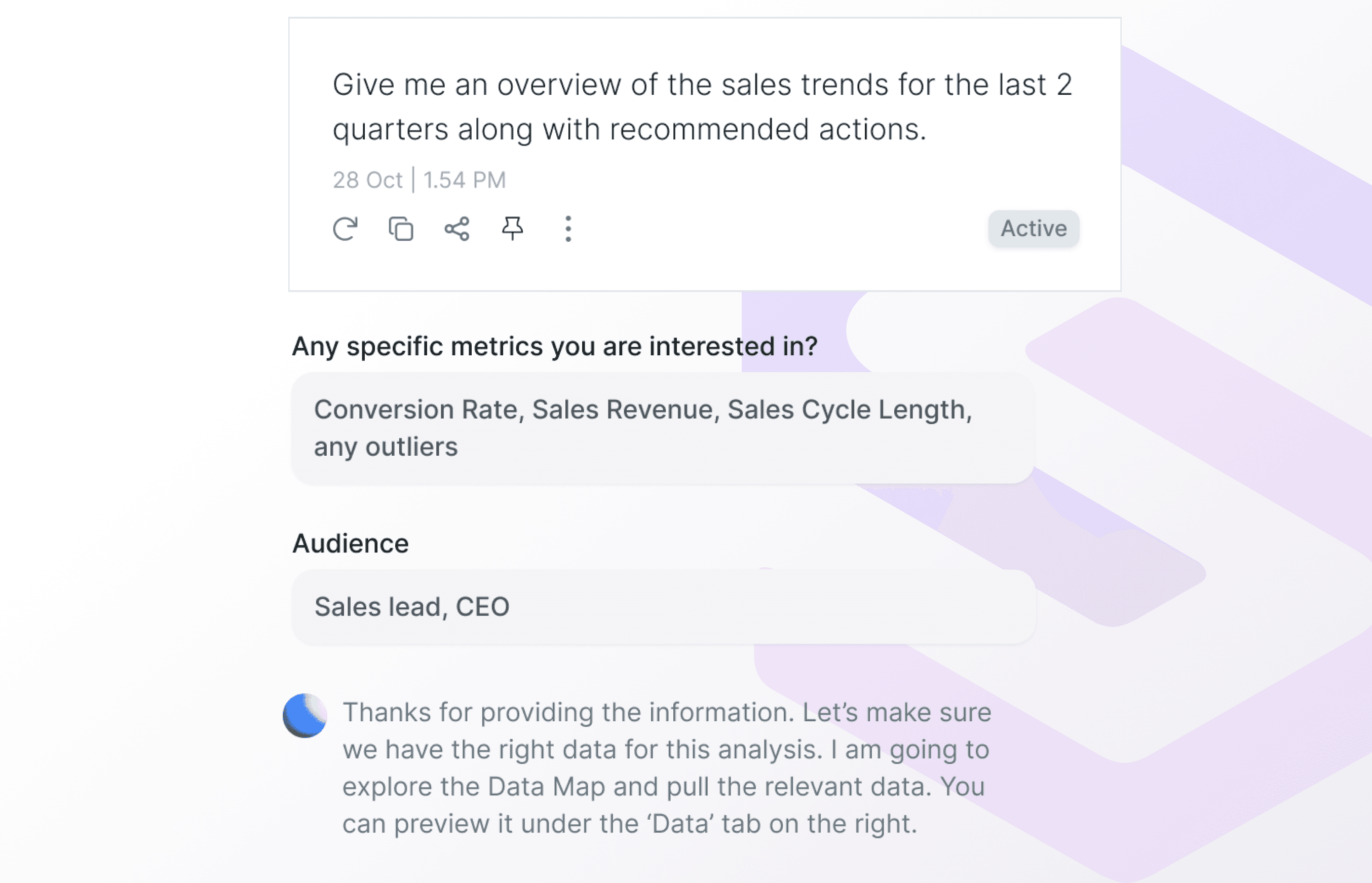
2. Users can express their use case: “I want to do X..”
3. HappyPath Widget guides them step by step.
- Watches the UI live
- Generates next step based on user actions
- Offers automation of workflows
4. Adapts guidance based on user feedback.
System Architecture
Interaction Details
Conversation Mode
The widget starts with a conversational interface where end-users of the product can express their use case , clarify their requirements and get an explanation of features and workflows. They can switch back and forth from the Workflow mode to provide feedback and change the navigational flow.
Workflow Mode
To optimize for real eastate, the widget compresses into a compact version while the guidance is on. It also spins up a second cursor that points at the UI elements. The end-users have an option to auto execute the entite workflow if they do not want to go through each step manually.
Standardizing components for a cohesive user experience.
Basic Styes (built on Next.js, React & tailwindcss)
Base Components
Page Layout
Launching a private beta to test the agent in real SaaS environments
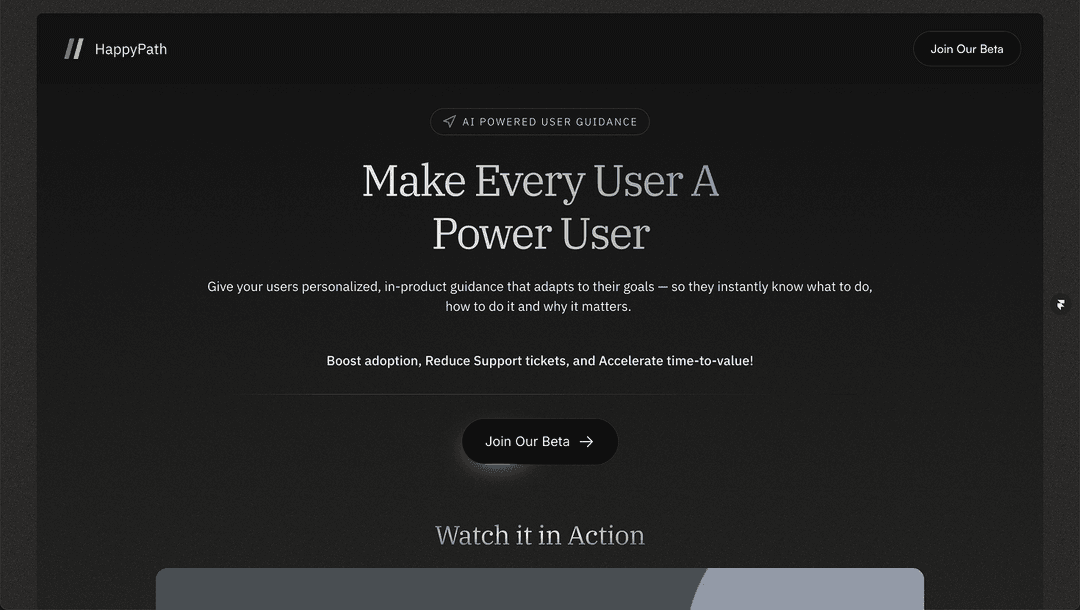
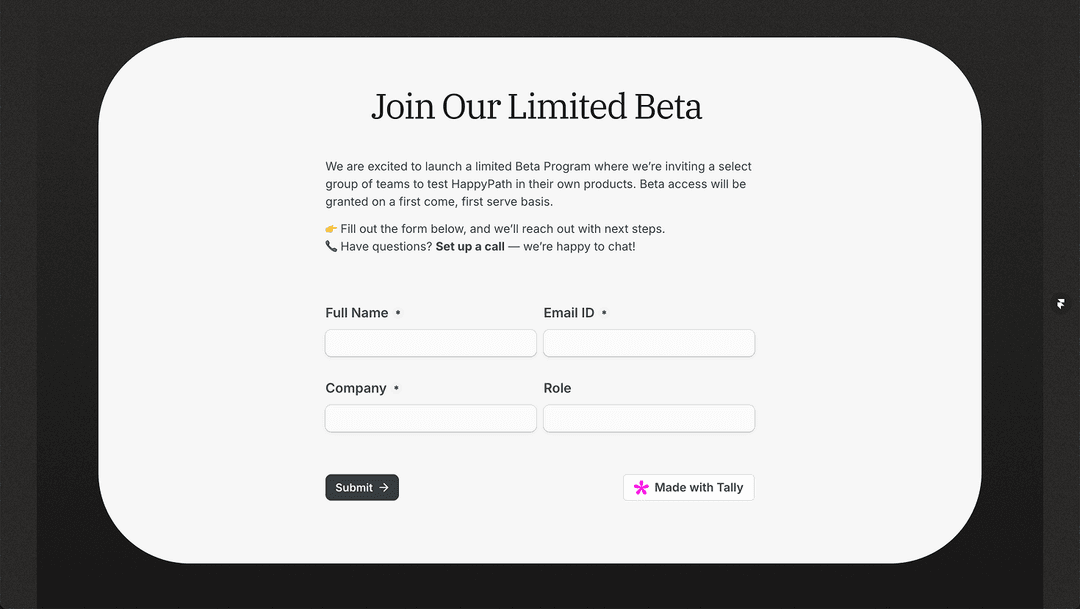
With a stable, testable version of HappyPath ready, we launched a private beta to evaluate the product in real SaaS environments. We focused our outreach on product and growth teams with complex onboarding challenges, limited engineering bandwidth, and a strong interest in PLG (product-led growth).
What we did
- Recruited beta users via a landing page LinkedIn outreach.
- Recruited 8 growth teams across SaaS domains like DevOps, analytics, compliance, and developer tools.
- Helped them onboard using our lightweight JavaScript embed or Chrome extension.
- Ran structured calls where we observed live usage, guided setup, and gathered feedback in real time
What we tracked and learned
- User behavior: We closely monitored how users moved through workflows.
- Hint accuracy: We measured the relevance and usefulness of each suggestion, using both qualitative comments and behavioral indicators.
- Edge cases: We captured breakpoints where UI drift, unexpected layouts, or embedded widgets interfered with guidance accuracy.
- Feedback channels: We established a tight feedback loop via Discord.
Platform for Growth Teams to get insights into user behavior
User Journey
AI Guidance
Adding structured workflows
User can add structured workflows to HappyPath

Customizing prompts and personas
Users can customize prompts by persona, underlying model configuration, etc.

User Insights
Workflow Insights
User can view insights about the widget performance, workflows, top use cases and painpoints
User Insights
They can also segment the end users by cohorts, role, etc. and get targeted insights on their specific problem areas
Conversational Insights
User drill down to specific conversations and see where their end-users are facing issues
UI Insights
UI Feedback
Based on where the end-users are getting stuck, HappyPath provides UI feedback along with suggested fixes. PMs can review the sources and create tickets.
Knowledge Base Sync
HappyPath also recognizes the difference in the UI and outdated documentation, providing a list of fixes that the user can review and directly update.